
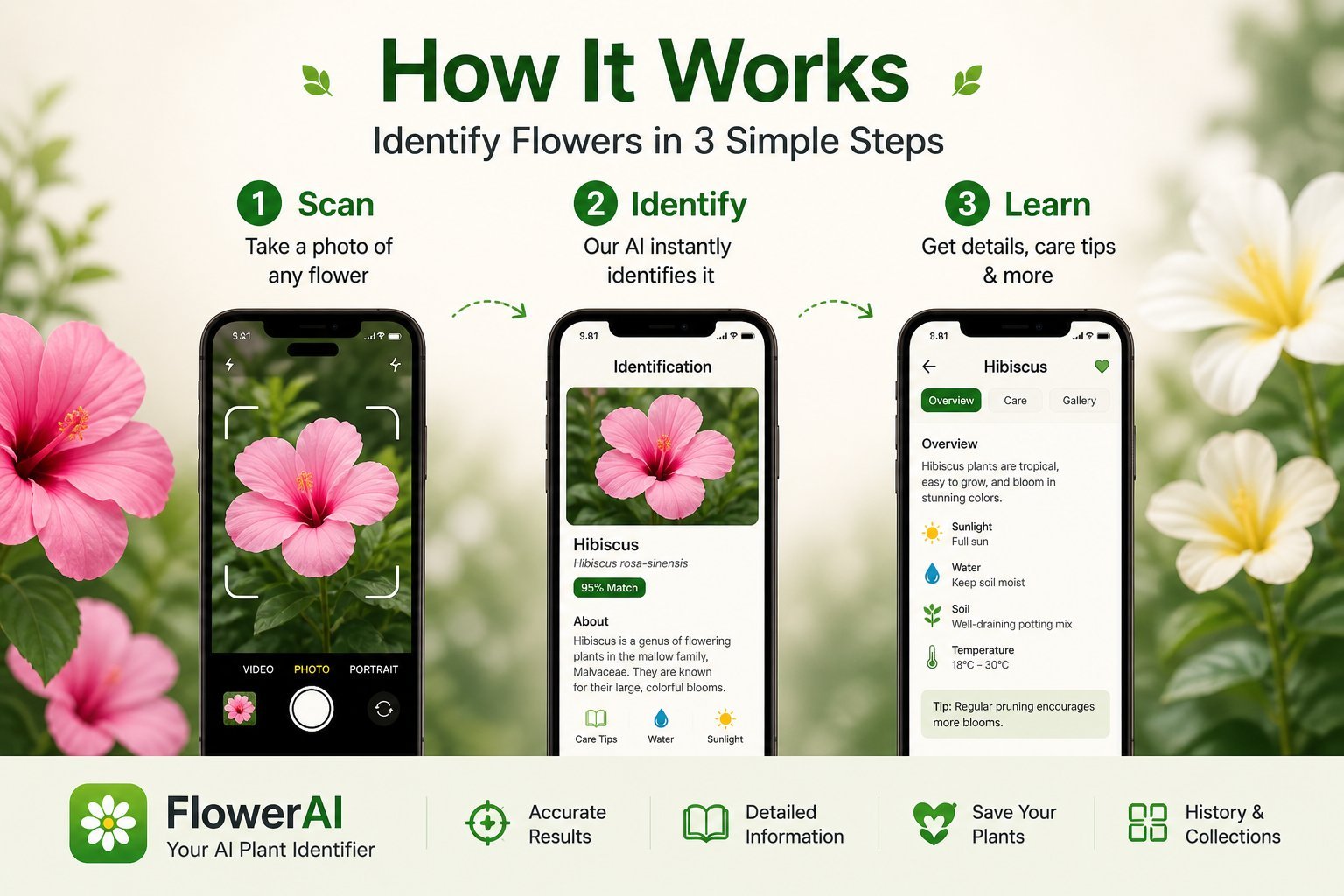
You snapped a photo of a pretty flower, opened your identifier app, and got back a confident answer that's clearly wrong. The problem usually isn't the AI — it's the photo. Different parts of a plant give the model different signals, and choosing what to capture (and how) makes the difference between a confident match and a vague guess.
This guide walks through exactly which part of a plant to photograph, when to use multiple shots, and how lighting, angle, and distance change the model's confidence. None of it requires a fancy camera. A modern iPhone is more than enough.
Why the bloom is the strongest single signal
Among all the parts of a plant, the flower itself carries the most distinguishing information for an AI identifier. Petal count, color, symmetry, the arrangement of stamens, and the shape of the corolla are highly species-specific. Two plants with similar leaves can have radically different blooms, but two plants with the same blooms are almost always the same species (or at least the same genus).
If you only get one photo, make it a clean, sharp, well-lit shot of a single bloom — face-on, filling most of the frame, with the bloom in focus and the background blurred or simplified.
When to add a leaf photo
Sometimes the bloom isn't enough. Many plants in the same family share strikingly similar flowers — daisy-family blossoms, for example, or trumpet-shaped flowers, or simple five-petaled stars. In these cases, the leaves are the tiebreaker.
Add a leaf photo when:
- The bloom is small or simple (white, five-petaled, common shapes)
- The first identification result has low confidence or shows multiple possibilities
- You're trying to distinguish between similar-looking species (e.g., wild carrot vs. poison hemlock)
- The plant is past peak bloom and the flower is faded or partial
For the leaf shot, capture a single mature, undamaged leaf flat against a contrasting background (your hand works fine). Make sure the edges are visible — leaf margins (smooth, toothed, lobed) are diagnostic.
When the whole plant matters
For some species, the overall shape and growth habit of the plant is the easiest way to identify it. A sprawling vine, a tight rosette, a tall stalk with a cluster of blooms at the top — these gestalt features are immediately recognizable to a trained eye and to a well-trained model.
Take a whole-plant shot when:
- The plant has a distinctive growth habit (e.g., bluebonnets in a rosette, foxgloves on tall spikes)
- The bloom is one of many on the plant and the cluster pattern is meaningful
- You're identifying a shrub, vine, or small tree rather than a single flowering stem
- The plant is in an unusual habitat that helps confirm species (a rocky alpine slope, a marsh edge)
Step back so the entire plant fits in the frame, with a bit of context around it. Don't worry about perfect focus across the whole image — the AI is reading shape and proportion here, not fine detail.
Lighting: the single biggest fixable problem
If your identifications are coming back wrong or low-confidence, lighting is almost always part of the reason. The AI is trying to read true color, and harsh light or deep shadow throws this off.
Best conditions: soft, diffused daylight. Overcast days are ideal. Early morning and the hour before sunset give warm, even light that's flattering for both photography and AI ID.
Conditions to avoid:
- Harsh midday sun: blows out white and yellow blooms, drops shadows that the model misreads as features
- Deep shade: mutes color and adds noise on phone cameras
- Mixed light: a bloom half in sun and half in shade is very hard for the model to read
If you're stuck in bad light, use your body to cast even shade across the whole bloom. This is the single best field trick for improving identification accuracy.
Distance and focus
For bloom shots, get close — close enough that the flower fills 60-80% of the frame. Phone cameras struggle to focus closer than about 4 inches, so don't push past that.
Tap the bloom on screen to lock focus. If the flower is moving in a breeze, brace your wrist against a stem or rock and shoot multiple frames. Pick the sharpest one.
Avoid digital zoom. If you can't get physically closer, take the wider shot and let the AI work with what it has — digital zoom degrades the image and the model can't tell the difference.
Angle: face-on for blooms, profile for clusters
For most flowers, a face-on shot — looking straight into the open bloom — gives the AI the most usable information. It sees petal count, symmetry, center color, and stamen arrangement all at once.
For tubular or elongated flowers (foxgloves, snapdragons, salvias), shoot from the side. This shows the full shape of the corolla, which is the diagnostic feature.
For clustered flowers (yarrow, Queen Anne's lace, most umbels), shoot from slightly above and at an angle, capturing the whole cluster's geometry plus a few individual florets in detail.
Background matters more than you'd think
A cluttered background isn't just an aesthetic problem — it can confuse the model. If there's another plant behind your subject, the AI might pick up features from both and produce a muddled result.
Simple fixes:
- Move your hand or a piece of paper behind the bloom for a clean background
- Step around the plant until you have an unobstructed view (sky, distant grass, or earth as backdrop)
- Use portrait mode on iPhone to blur the background — but don't crank the blur so high that it clips into the bloom edges
The two-photo workflow
For tough identifications, this sequence works best:
- Bloom shot: face-on, filling the frame, in soft light. Run identification.
- Leaf or whole-plant shot: only if the first result is uncertain. Run identification again or use the app's multi-image feature if available.
For most common garden and wild flowers, step one alone is enough. For tricky species — anything in the daisy, mint, or rose family — both shots together resolve almost any ambiguity.
Get into the habit of taking both shots in the field even if you don't run identification right away. You'll thank yourself later when you're on the couch trying to remember what you saw.
Try Flower Identifier — free on iPhone
AI-powered flower ID from a single photo. Bloom, leaf, or whole plant. No account required.
Download on the App Store