
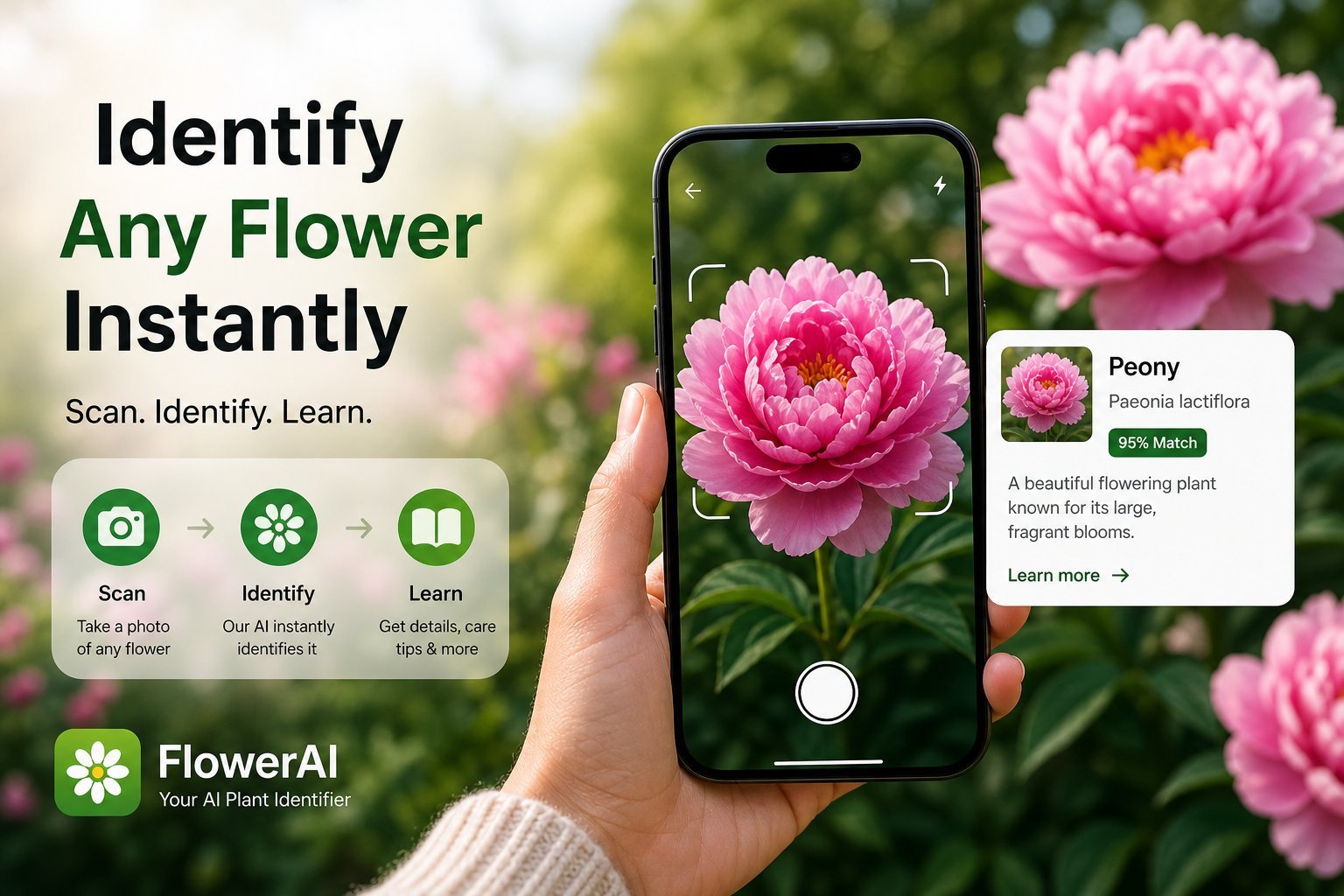
If you've ever stood in front of a flower wondering "what is this?" — and you've tried to figure it out with a search engine — you already know how broken that experience is. A reverse image search will tell you it's "pink." A field guide will tell you that 4,000 species are pink. The right tool is a flower identifier app that takes a photo, runs it through a vision model, and gives you a species name plus useful context. The hard part is choosing one that actually works.
This guide walks through what makes a flower identification app worth installing, where the popular options fall short, and how to actually get accurate IDs no matter which app you pick.
What a flower identifier app is supposed to do
A modern flower identification app uses AI image recognition trained on millions of flower photos to match your image against a database of species. The best apps can identify a flower from:
- A close-up of the bloom — almost always the most accurate input
- The leaf or stem — useful when a plant isn't blooming
- The whole plant at a distance — good for shape and growth habit
- Buds, fruit, or seed pods — the most species-specific clue for many plants
The catch is that accuracy depends heavily on photo quality and which part of the flower you photograph. A blurry shot of a flower buried in foliage will trip up even the best AI. We'll cover photo technique below — but first, the apps.
The flower identifier apps people actually use
Flower Identifier (NextPixel Apps)
Our own app, designed specifically for flower identification rather than general plant ID. The advantage is that the AI is tuned for blooms — petal shapes, color variation, stamen visibility — rather than treating flowers as just one feature of a plant. You get the scientific name, family, native range, blooming season, and historical or cultural notes for each ID. No account required, photos aren't stored on servers, and the free tier covers casual use.
PictureThis
The biggest name in plant ID. PictureThis is broad — it identifies trees, houseplants, weeds, and flowers all in one app. The accuracy is good for common species, weaker for rare ones. The pricing model is aggressive: most useful features are paywalled and the free trial is short. Privacy practices are average for a venture-backed app.
PlantNet
A nonprofit, citizen-science app. Free, no paywalls, and surprisingly accurate for European species (where it has the most training data). Less polished UX than commercial apps, and the species detail page is sparse — you get the name and not much else.
Seek (by iNaturalist)
Free and ad-free. Designed as an educational tool, especially for kids. Identifies the genus reliably but often won't commit to a species. Excellent privacy and no subscription.
Google Lens
Built into the Google app and Pixel cameras. Free, fast, and surprisingly capable for common flowers. The downside is that results are search-result style — you get a few visually similar matches and have to pick. No structured data on the flower itself.
The 6 things that actually matter when choosing
1. Accuracy across photo types
Some apps are great with a single bloom but fail when the flower is part of a cluster. Some can handle leaves and buds; others can't. If you live somewhere with a long off-season, leaf-and-stem accuracy matters because most plants spend half the year not blooming. Look for an app that explicitly supports the part of the plant you tend to photograph.
2. What you get after the ID
A flower's name alone isn't very useful. The best flower identification apps return the scientific name, family, typical size, native range, blooming season, and either toxicity, edibility, or cultural significance. This is the difference between a novelty and a tool you keep coming back to. If all you get is "Rosa canina" with no context, you may as well have used Google Lens.
3. Free vs. paid
Almost every "free flower identifier app" gates real use behind a subscription after a handful of scans. That's not necessarily bad — running large vision models costs money — but you should know what you're getting before you download. Check the in-app purchase list on the App Store before committing. Apps that limit you to 3 IDs in a 7-day trial then charge $40/year are not the same as apps that give you unlimited scans on a weekly subscription.
4. Privacy
Some apps upload your photos and location to train their models or sell to advertisers. If that bothers you, look for apps that state plainly what happens to your photos. Flower Identifier, for example, doesn't store your photos on servers and doesn't collect personally identifiable information.
5. History and export
If you're identifying flowers on a hike, in your yard, or for a school project, you'll want a saved history. Better apps let you export PDF reports — useful for nature journals, biology classes, or property surveys. The "I scanned a flower last summer, what was it?" use case is more common than you'd think.
6. Offline behavior
True offline flower ID is rare because the AI model is too large to ship inside the app. Most apps need a connection to identify, but a good one will at least keep your past identifications viewable offline. If you hike where there's no cell signal, take photos and identify them once you're back in range.
💡 Quick test before you commit: download the app, scan three flowers you already know, and see how often it nails the exact species. If it gets the genus right but misses the species, that's normal. If it can't even get the genus, look elsewhere.
How to take a photo the AI will actually recognize
This is the single biggest factor in getting an accurate ID, and most people skip it:
- Fill the frame with a single bloom. Don't shoot a flowerbed if you want to ID one species. Get close.
- Use even, natural light. Harsh midday sun creates blown-out highlights that hide petal detail. Cloudy days are great for flower photography.
- Shoot from straight on, then from above. Flowers vary by angle. The top-down view of an iris is unmistakable; the side view less so.
- Include something distinctive. If the flower has a clear center, stamens, or a unique color pattern, make sure those are sharp.
- Try multiple photos. If the first ID seems off, photograph a different part — the leaf shape, the stem, or a bud.
When a flower identifier app isn't enough
For most everyday questions — "what's that flower in my yard," "what wildflower did I see on the trail," "what's the bouquet at the farmers' market" — a good app will get you 80% of the way there. For botanical-grade work, distinguishing between similar cultivars, or identifying sick or hybrid plants, you'll want to combine the app's result with a regional field guide, a local botanical society, or an arborist. The app is a tool, not the final answer.
You'll also hit edge cases. Wind-blurred photos, flowers viewed from far away, dried or pressed specimens, and flowers photographed under colored artificial light all confuse the AI. None of this is the app's fault — these are genuinely hard inputs.
Frequently asked questions
Which app is best for identifying flowers from a photo?
The best app to identify flowers depends on what you photograph and where you live. For iPhone users wanting a balance of accuracy across blooms and supporting plant features, plus full species detail and privacy-respecting design, Flower Identifier is a strong choice. For citizen-science contributions, iNaturalist's Seek app is excellent. For broad plant ID beyond just flowers, PictureThis and PlantNet are popular.
Can a free flower identifier app really identify flowers accurately?
Yes — the underlying AI is the same whether you pay or not. The free tier of most apps limits how many flowers you can identify per day or week, but the accuracy of each identification is the same. Pay only when you actually use the app enough to hit the free limit.
Does the app need internet to work?
Most do. Modern AI flower identification models are too large to run on a phone, so the app sends your photo to a server, processes it, and sends back the result. This usually takes a few seconds. Past identifications are typically saved locally so you can browse them offline.
Will the app work for flowers outside the US?
Coverage varies by app. Apps trained mostly on North American or European species struggle in tropical or Mediterranean climates. Before relying on an app for international travel, check its species count and supported regions.
Try Flower Identifier — free on iPhone
AI-powered flower ID from a single photo. Bloom, leaf, or whole plant. No account required.
Download on the App Store